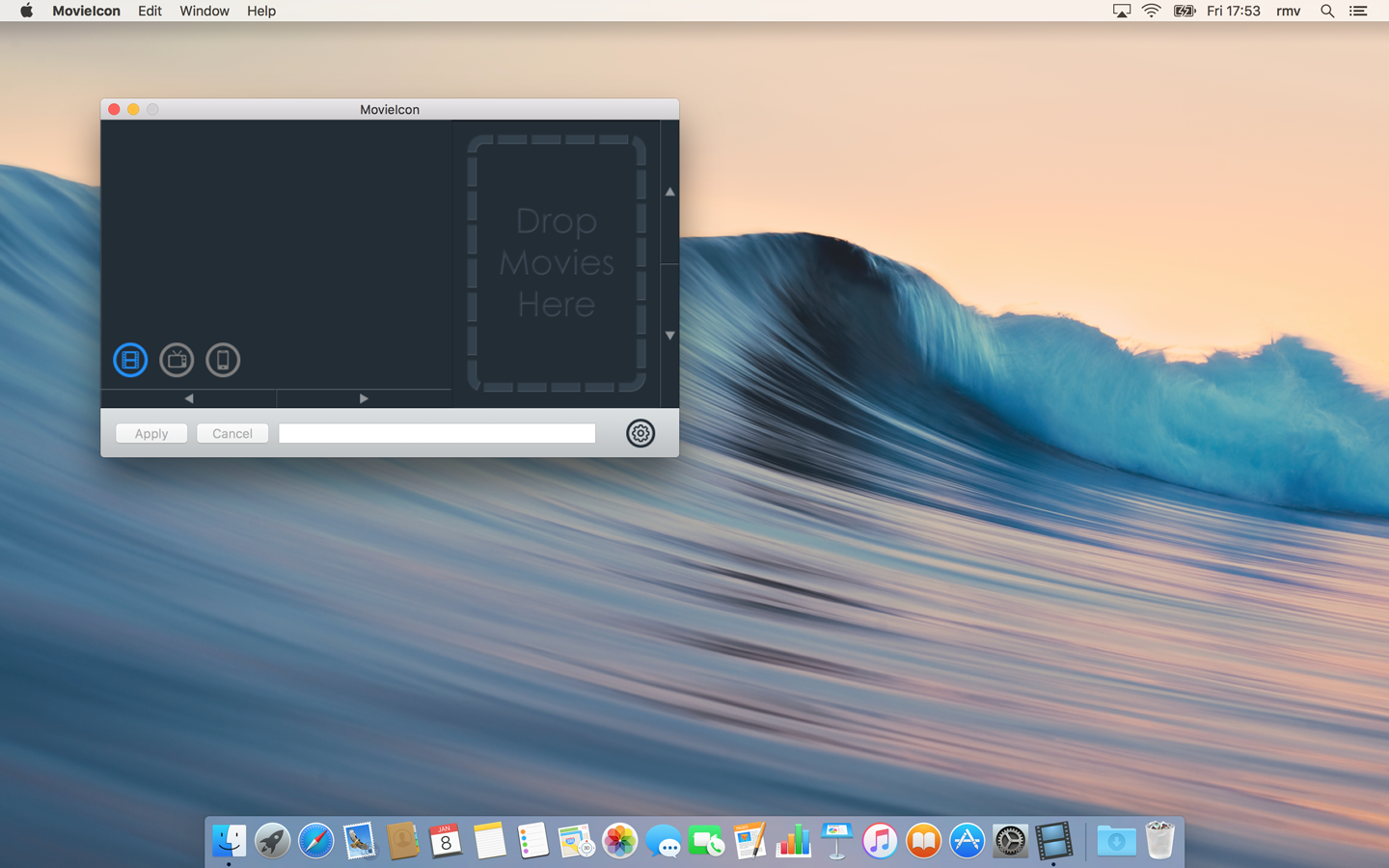
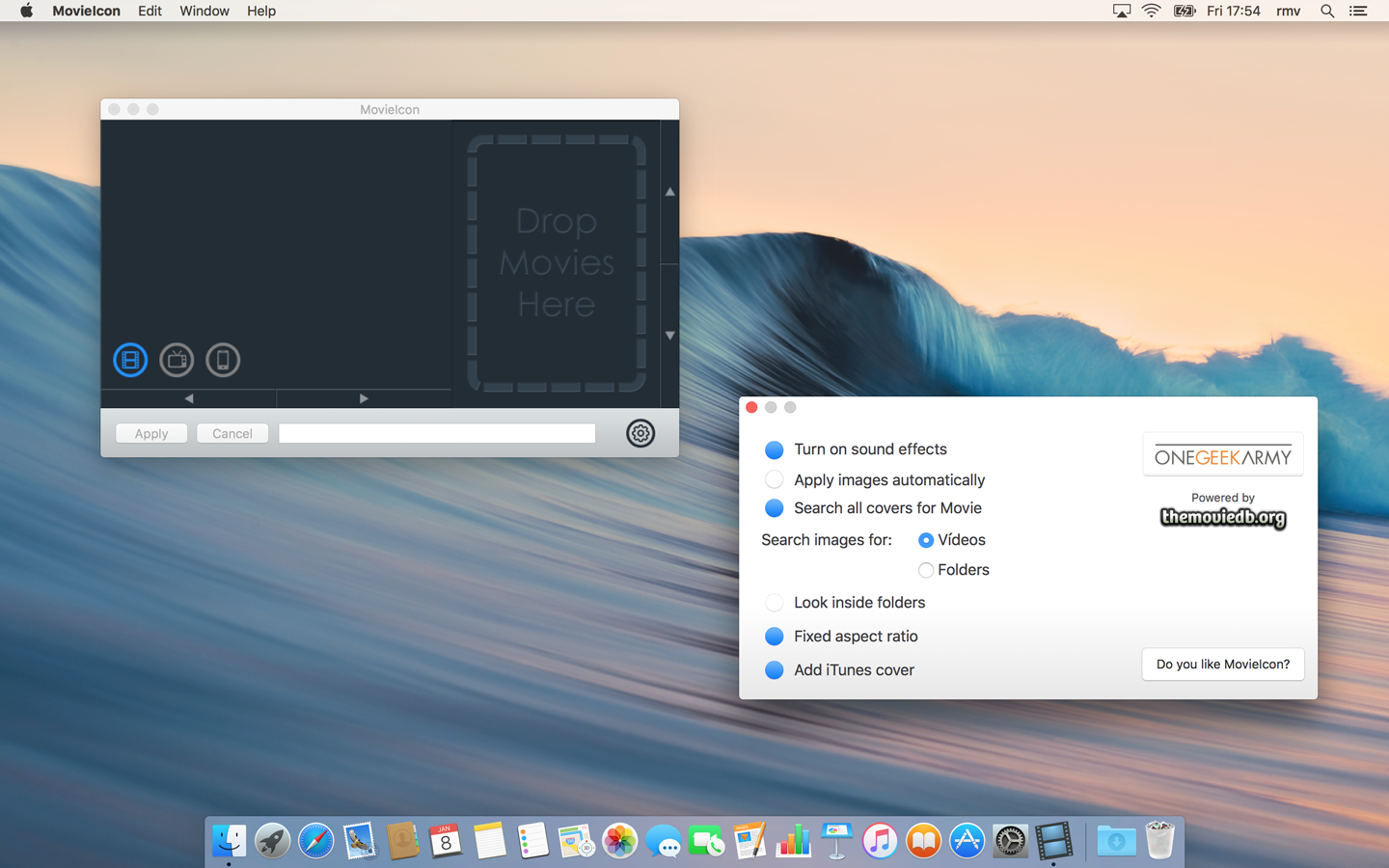
Drop videos or folders
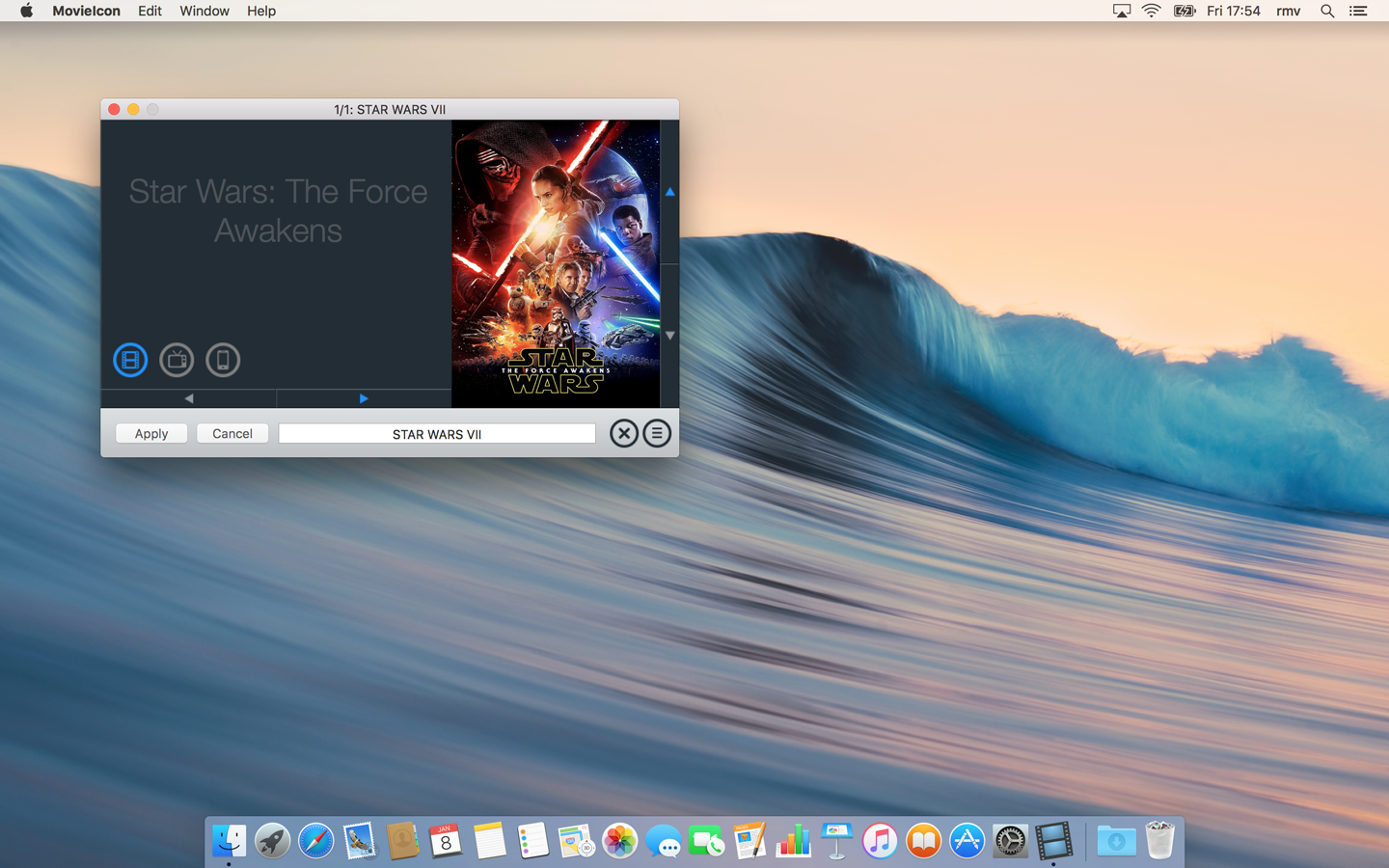
MovieIcon finds the best cover automatically and keeps your workflow moving.
MovieIcon automatically finds and applies cover artwork to your video files and folders. Clean messy filenames, browse results instantly, and process batches with ease.
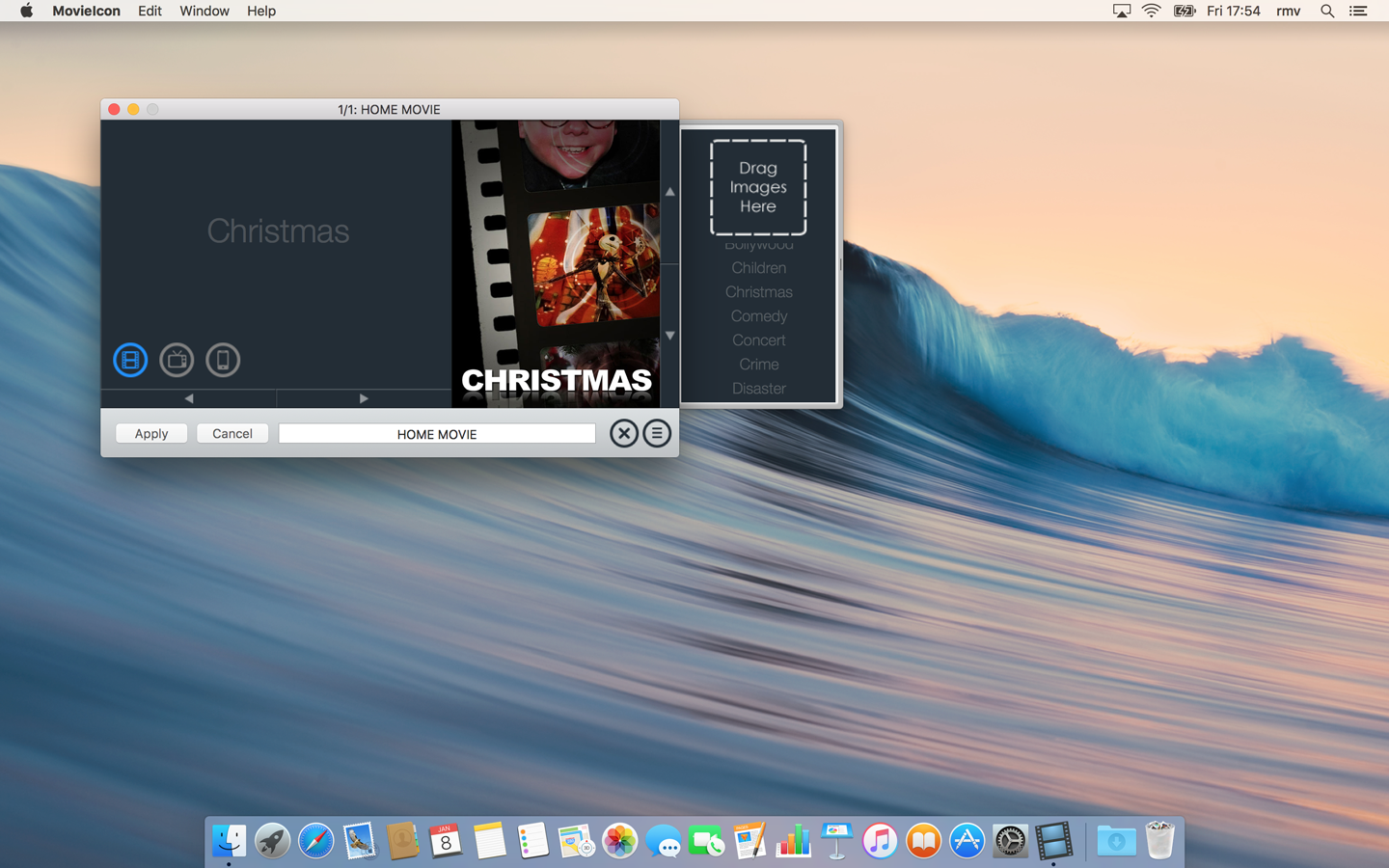
42 beautifully crafted generic covers included
Simple workflow. Professional results. Built for macOS.
MovieIcon finds the best cover automatically and keeps your workflow moving.
Handles common scene noise and searches progressively until it finds great matches.
Navigate results and covers quickly with mouse and keyboard-first controls.
Process entire folders manually or automatically, with clear completion summaries.
Drag any image onto the preview to use it instantly for the current item.
Beautifully themed cover sets when you want a consistent, polished look.
Drag your movies and folders, clean names, customize artwork, and finish entire batches in minutes.
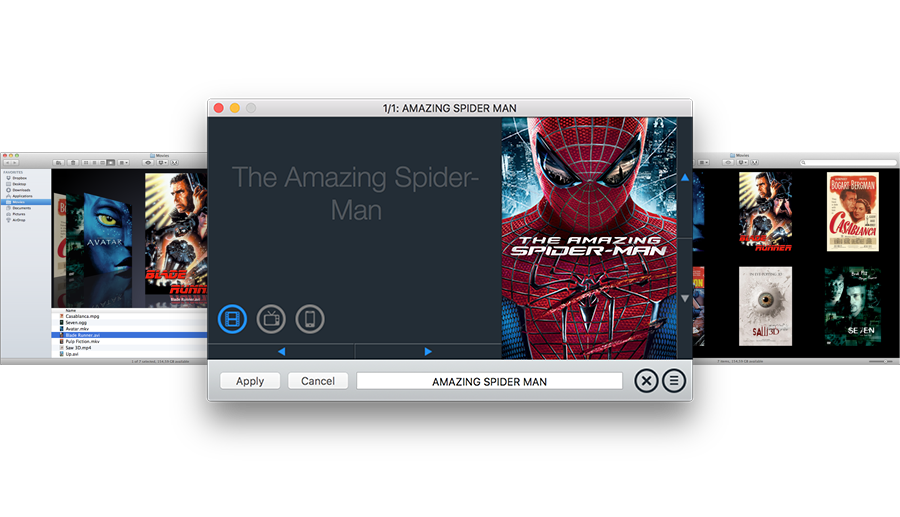
See item progress, browse alternatives instantly, and apply at file, folder, or batch level.
Quick answers before you download.
No. MovieIcon applies a Finder icon to the file or folder. Your video content is not altered.
Yes. Drag any image onto the preview to use it instantly for the current item.
No account required. MovieIcon uses TheMovieDB to search for artwork.
You get a completion summary with processed, skipped, and error items, including details for each error.
MovieIcon 3.0 is faster, smarter, and more intuitive than ever.